Everything a booking link needs
Share a link, let people pick a time, and never trade emails about availability again.
Booking pages
Every event type gets its own page at devalender.com/you/slug. Invitees see slots in their own timezone, with a searchable picker if they want another.
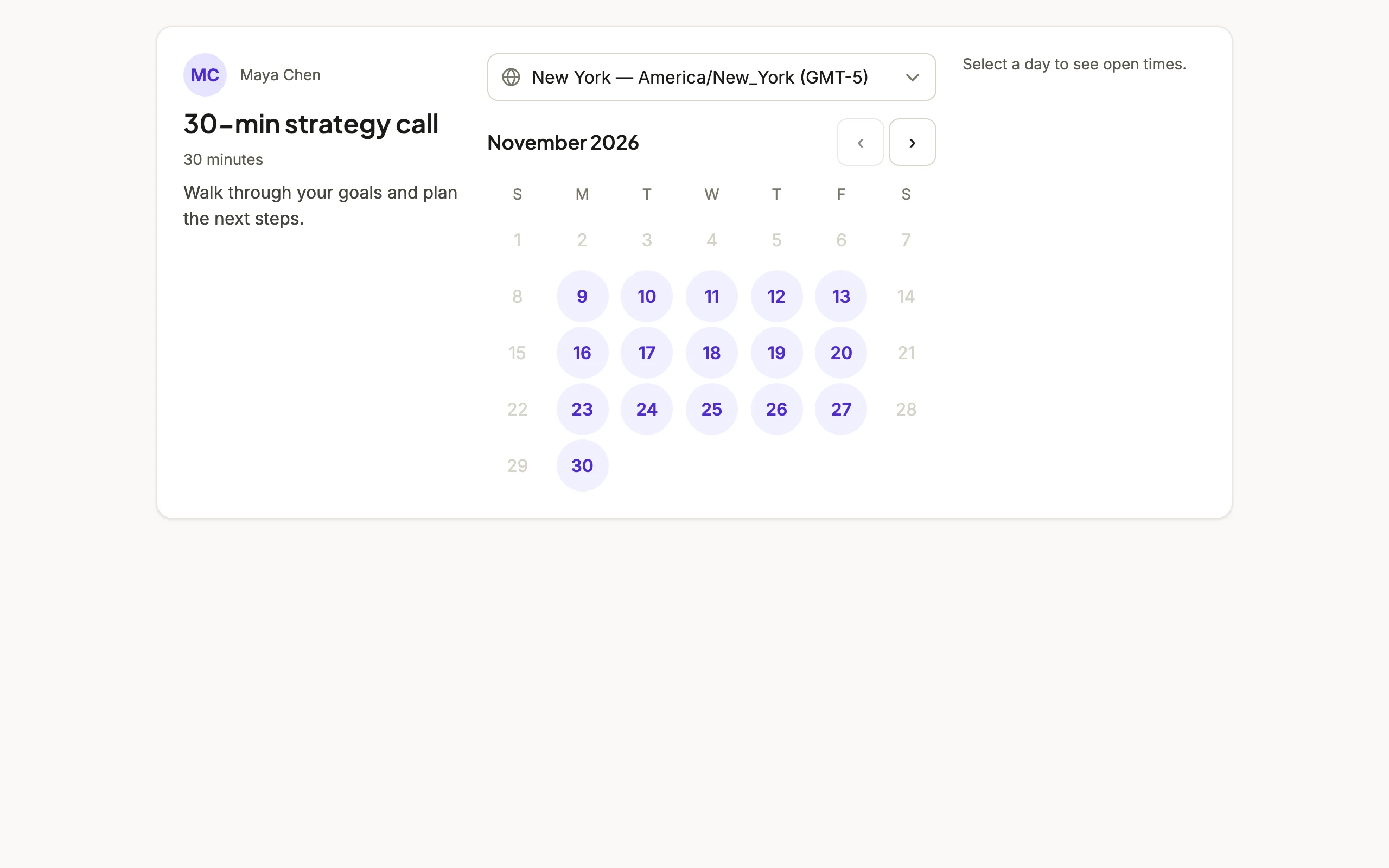
Availability and overrides
Set weekly hours once. Block a single day off or open extra hours for one date with an override, without touching the weekly rules.
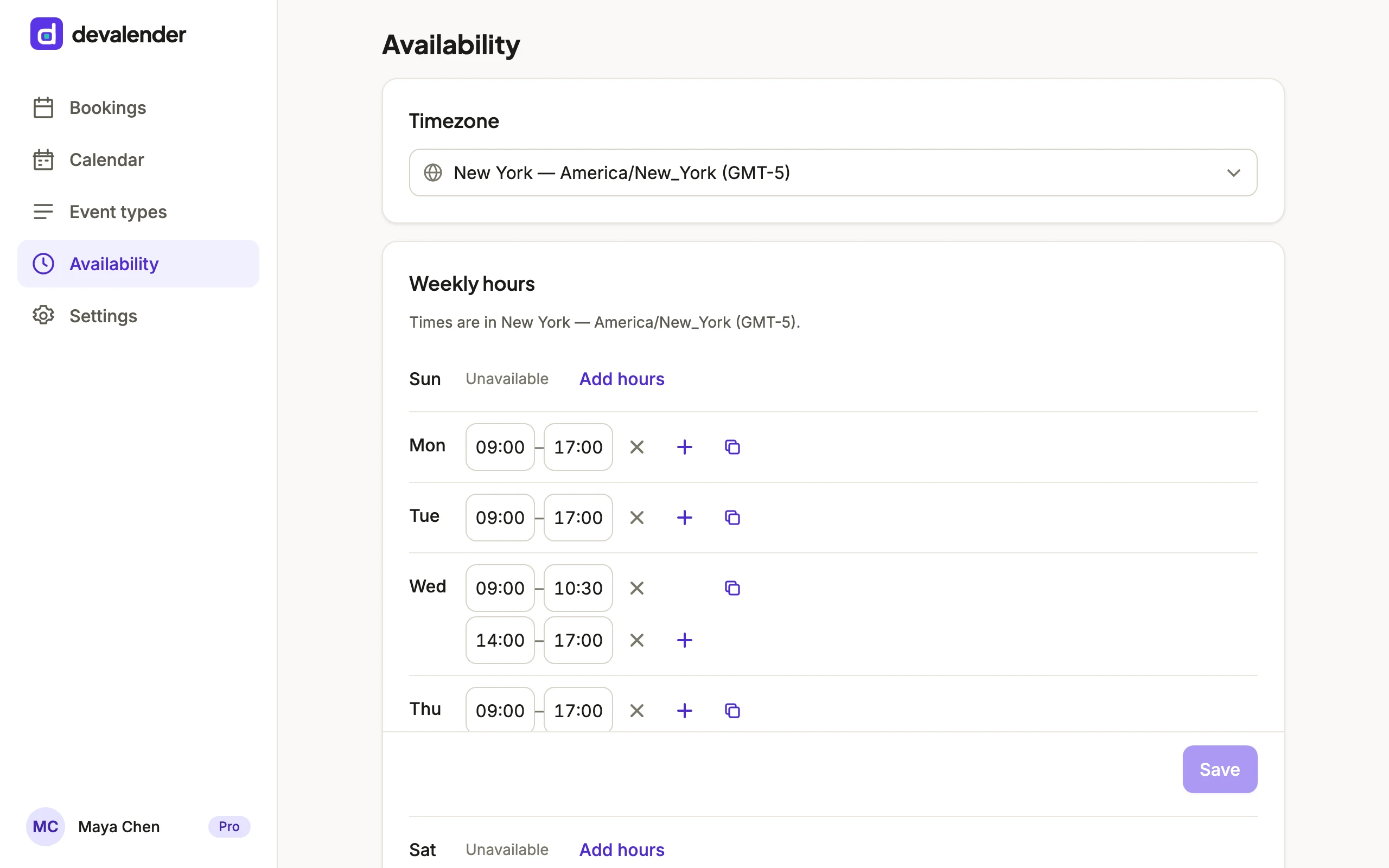
Buffers and limits
Add breathing room before and after meetings, require minimum notice, and cap how many bookings land in a day.
Google Calendar sync
Connect Google Calendar and the times you are already busy stop showing up as bookable. Confirmed bookings are added to the calendar you choose, and moved or removed when the booking changes. Included on every plan, and you can disconnect any time.
Reminders and calendar files
Confirmations and reminders go out by email with an .ics file attached, so the meeting lands in whatever calendar the invitee uses.
Reschedule and cancel
Every confirmation carries a private link to move or cancel the booking. Invitees never need an account.
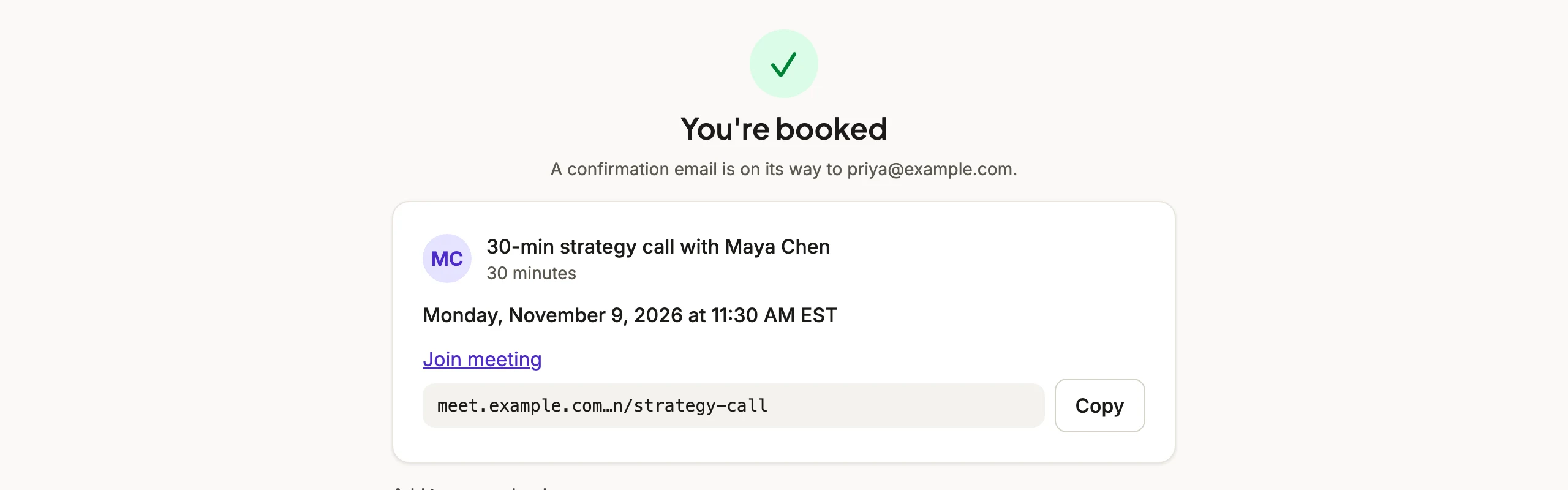
Embeds
Drop the booking widget into any page with one script tag. It is framework-free, under 50KB gzipped, and themeable.
<script src="https://devalender.com/widget.js"></script>
<devalender-booking
  handle="you"
  event="intro"
></devalender-booking>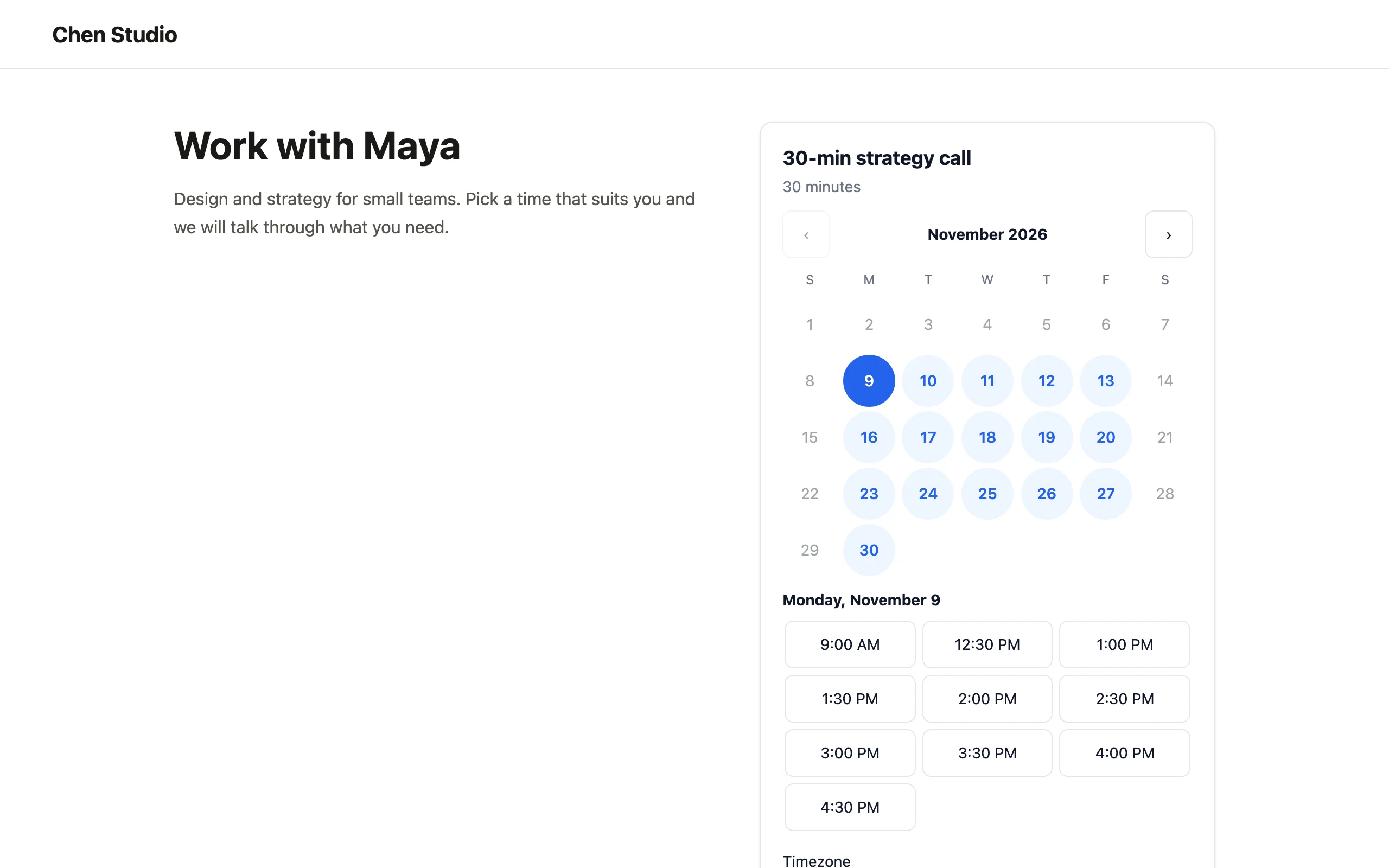 Tap to enlarge
Class & event schedules
Run group sessions with a seat limit, like classes, workshops or office hours. Visitors see your upcoming sessions on a public schedule page, or on a calendar embedded in your own site, and book a seat without an account. Included on every plan, Free too.
Webhooks
Get a signed POST to your own server whenever a booking is created, rescheduled or cancelled. Add up to three endpoints from Settings or the CLI.
Plan-based branding
Free pages carry a small “Powered by devalender” note. Pro removes it and unlocks unlimited event types. The API and the CLI are included on every plan, Free too.